5 Easy Steps to Turn Die Layouts into Press Sheets
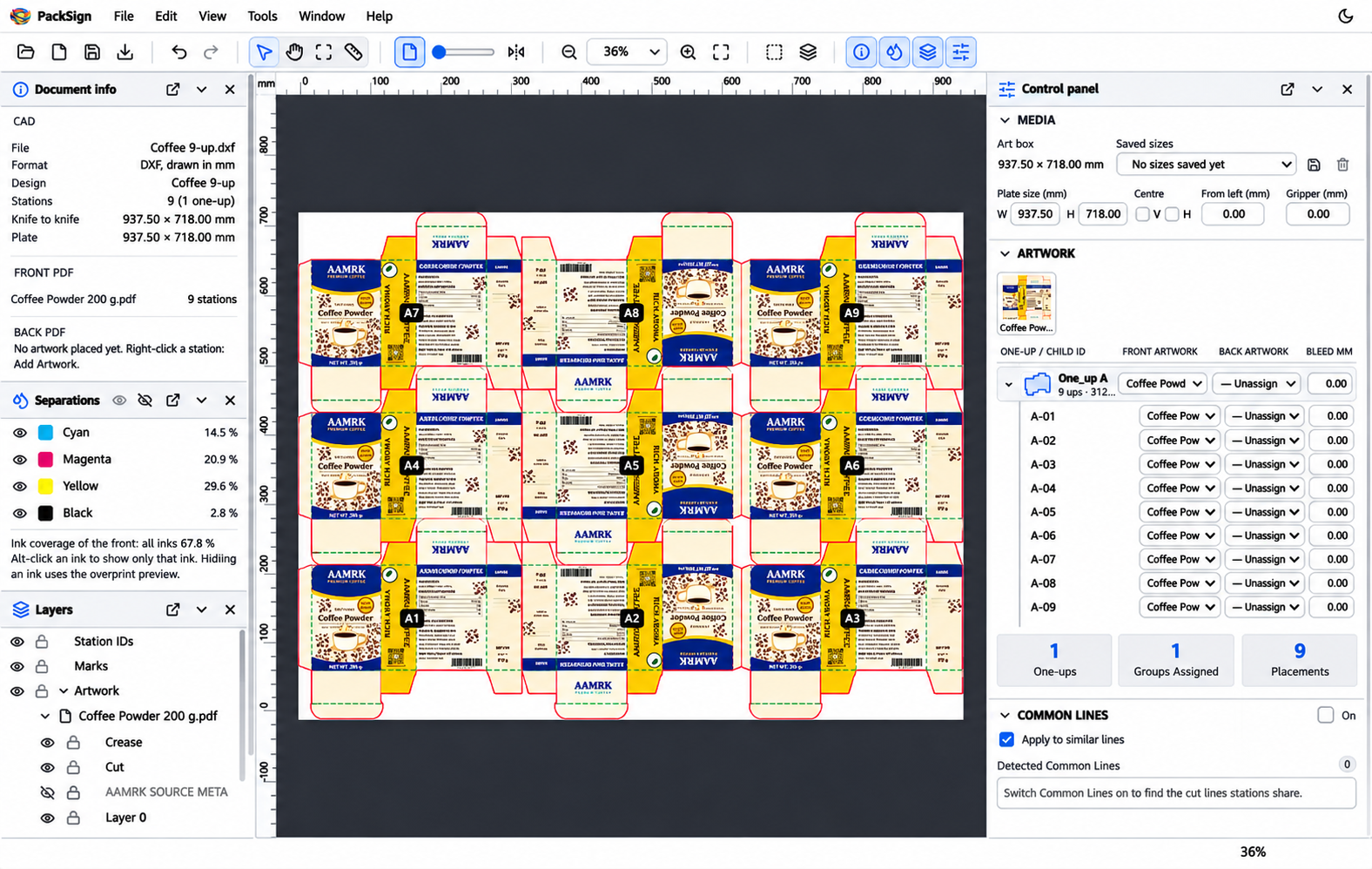
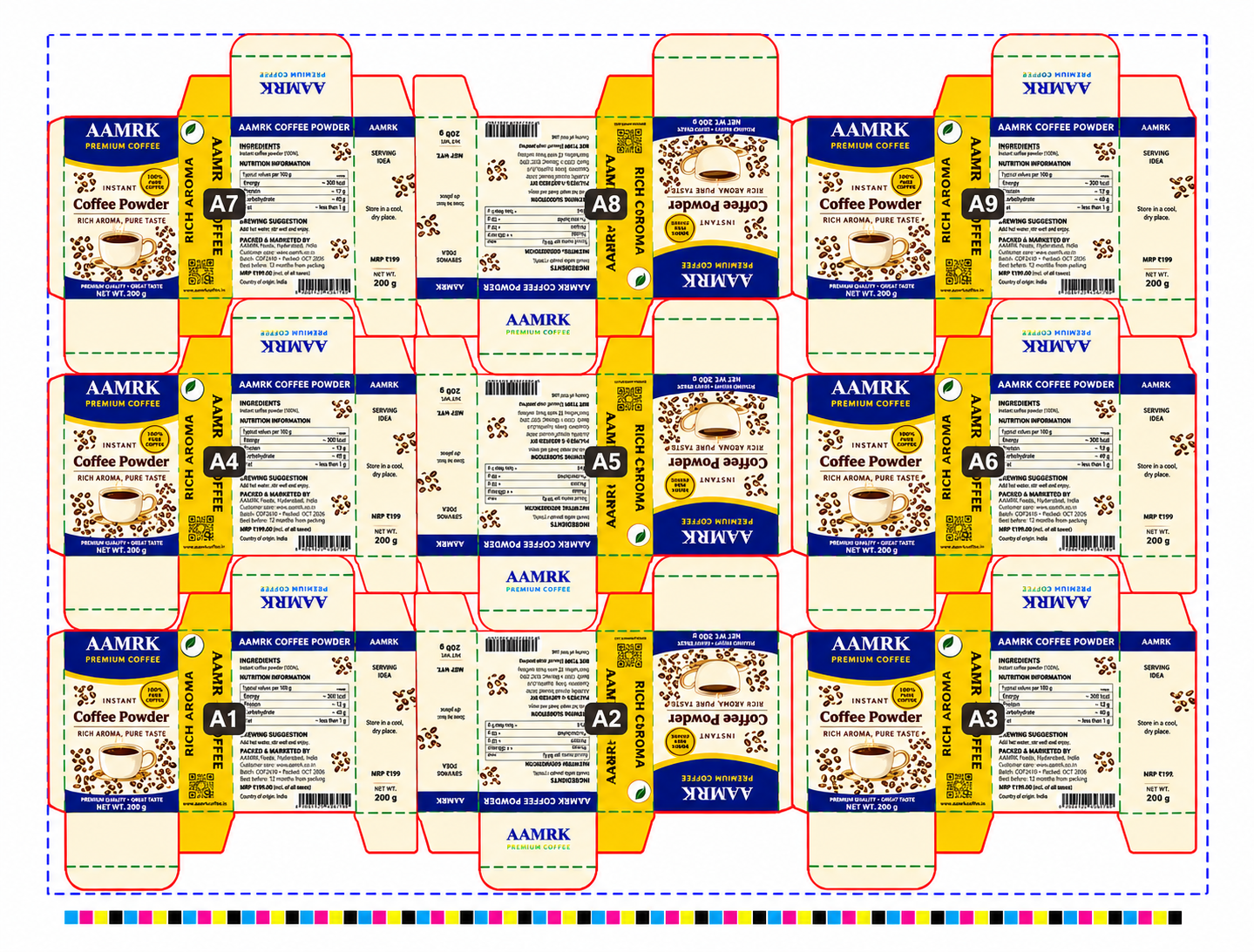
Use PackSign Packaging Software in Philippines to transform CAD layouts and packaging artwork into complete production sheets with automated placement, rotation, and marking.
1
Import Die Layouts
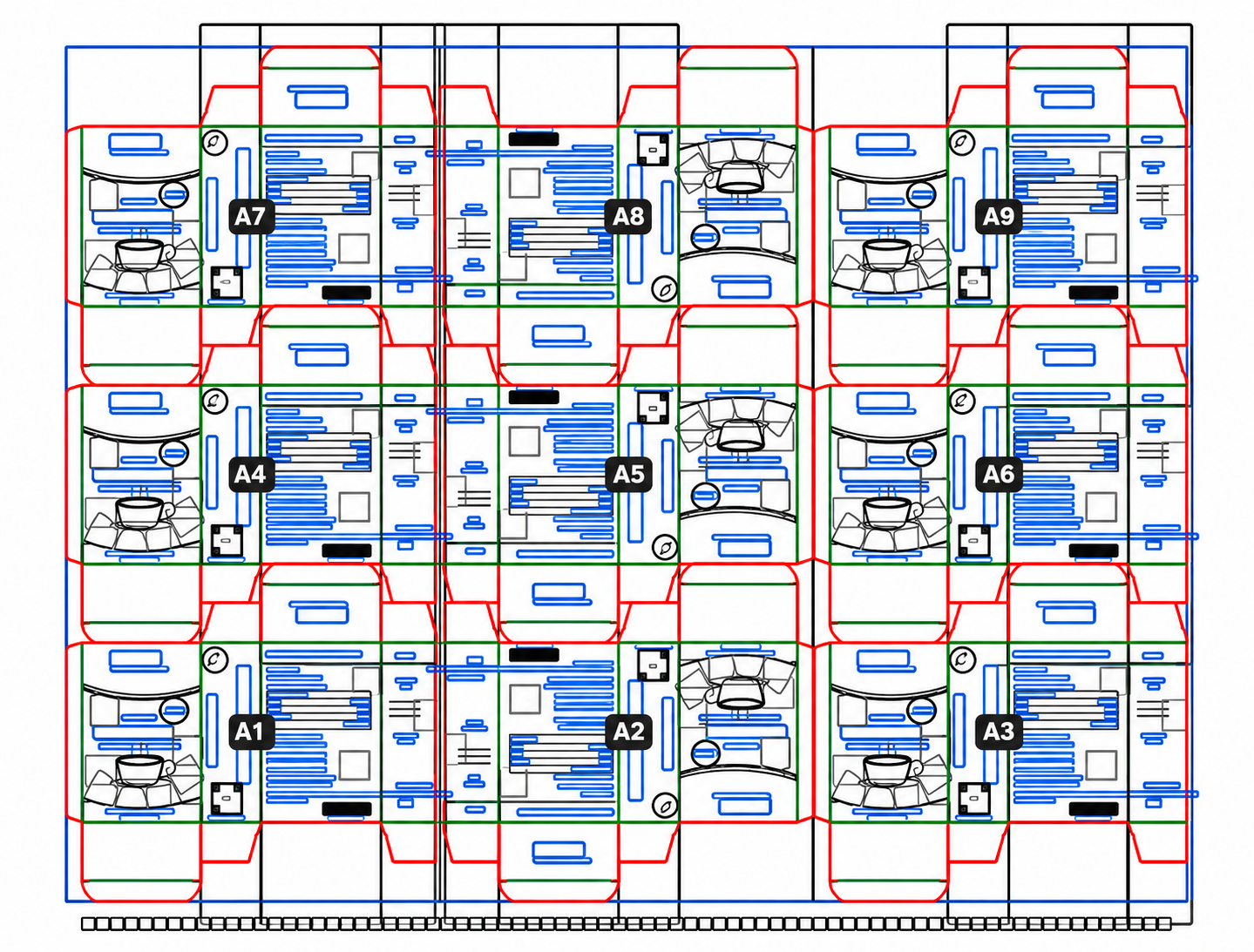
Open CF2, CFF2, or DXF layouts and automatically identify stations, rotations, cutting lines, and creasing lines.
2
Configure Plate Settings
Set plate dimensions, adjust gripper settings, and position the layout using centre alignment or left-edge placement.
3
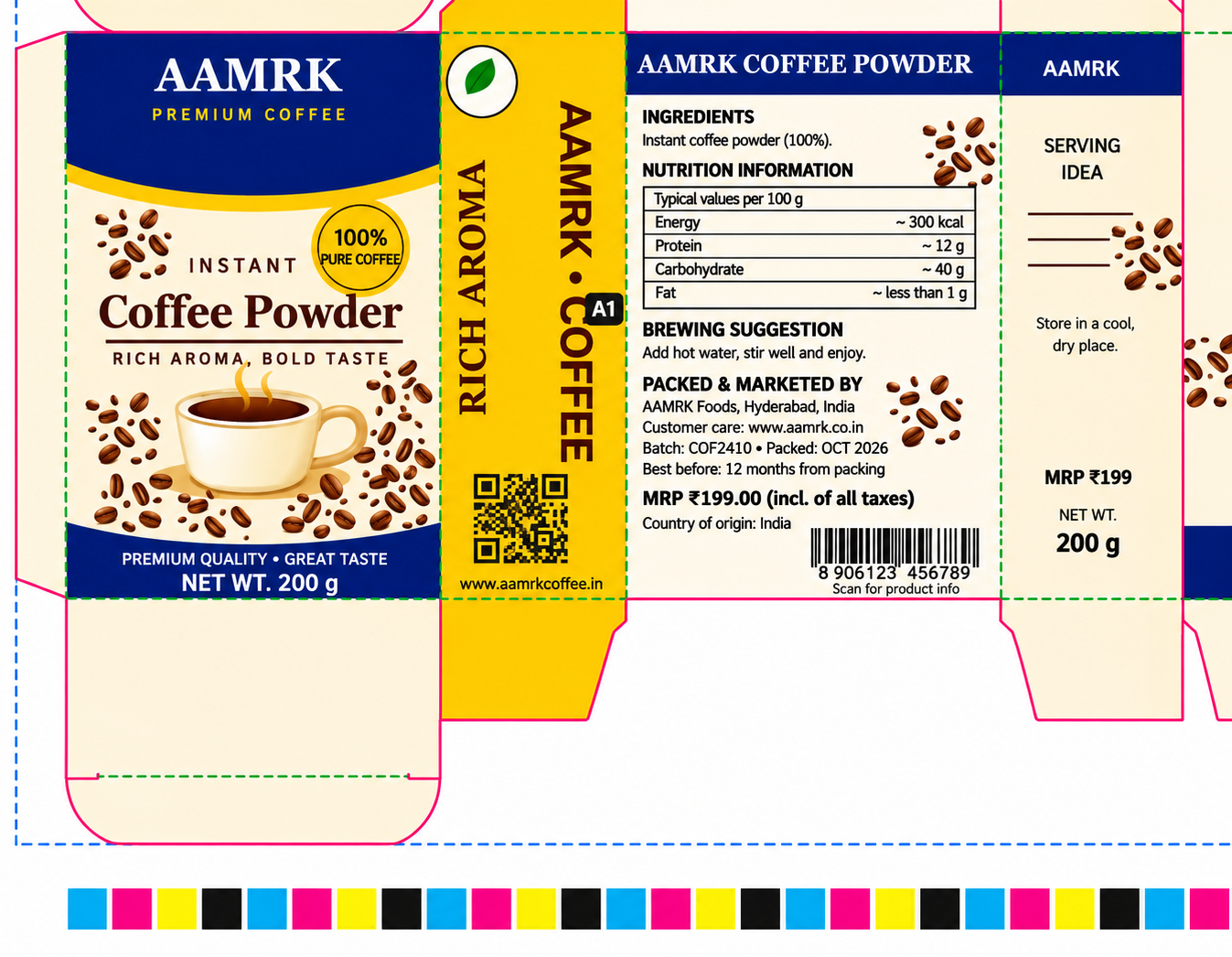
Place Packaging Artwork
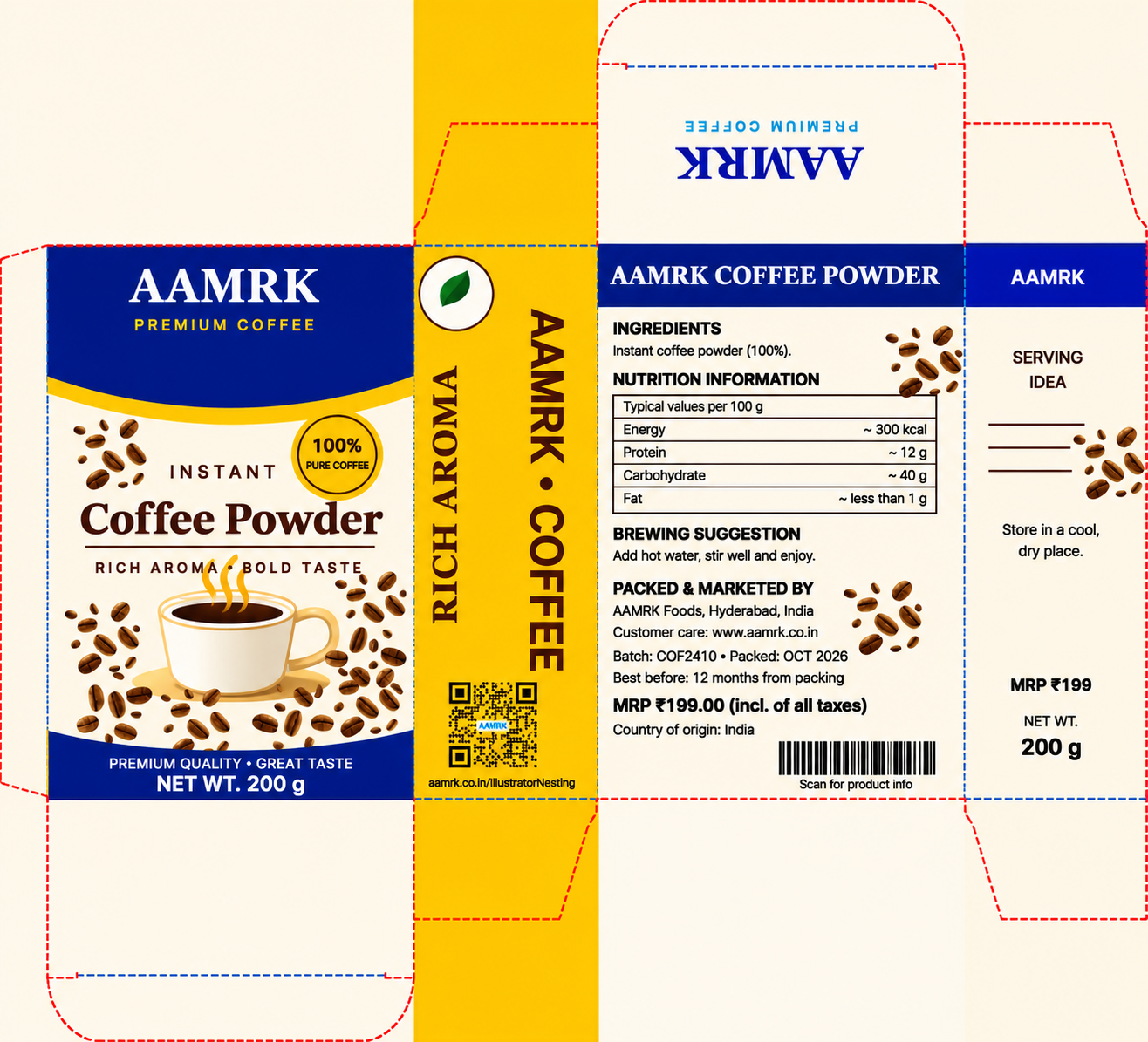
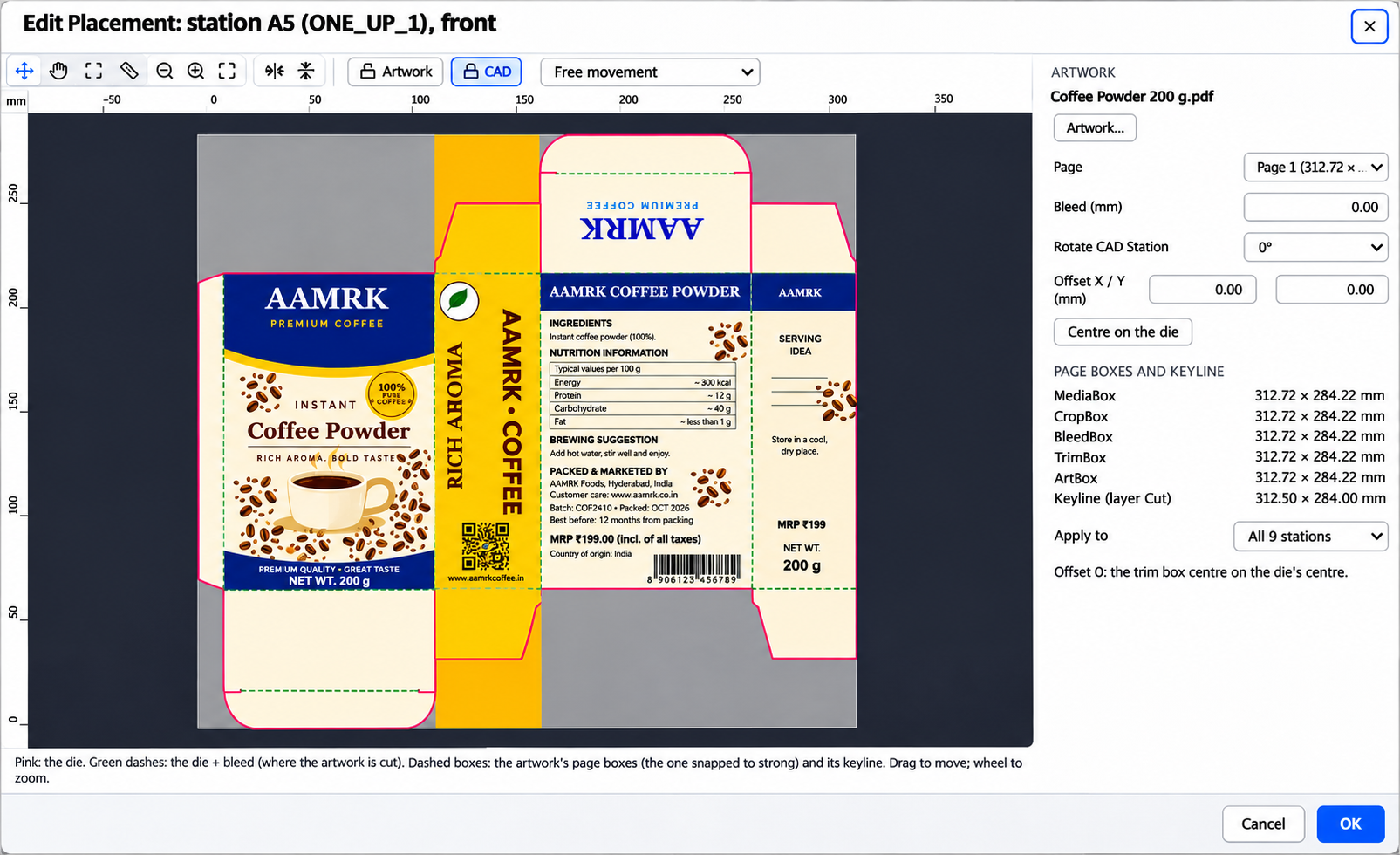
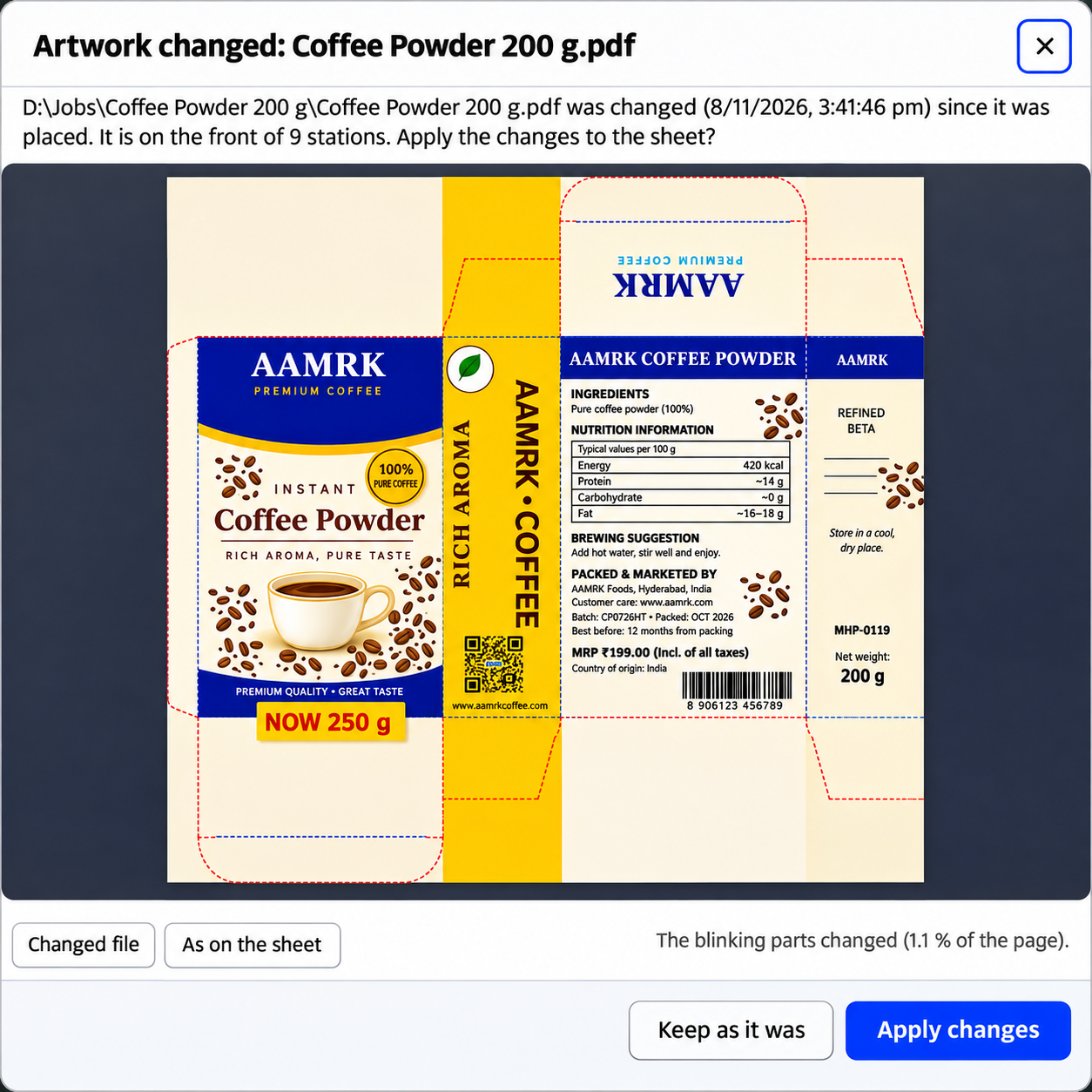
Import PDF, AI, or CDR artwork once and automatically apply it across every station of the selected design.
4
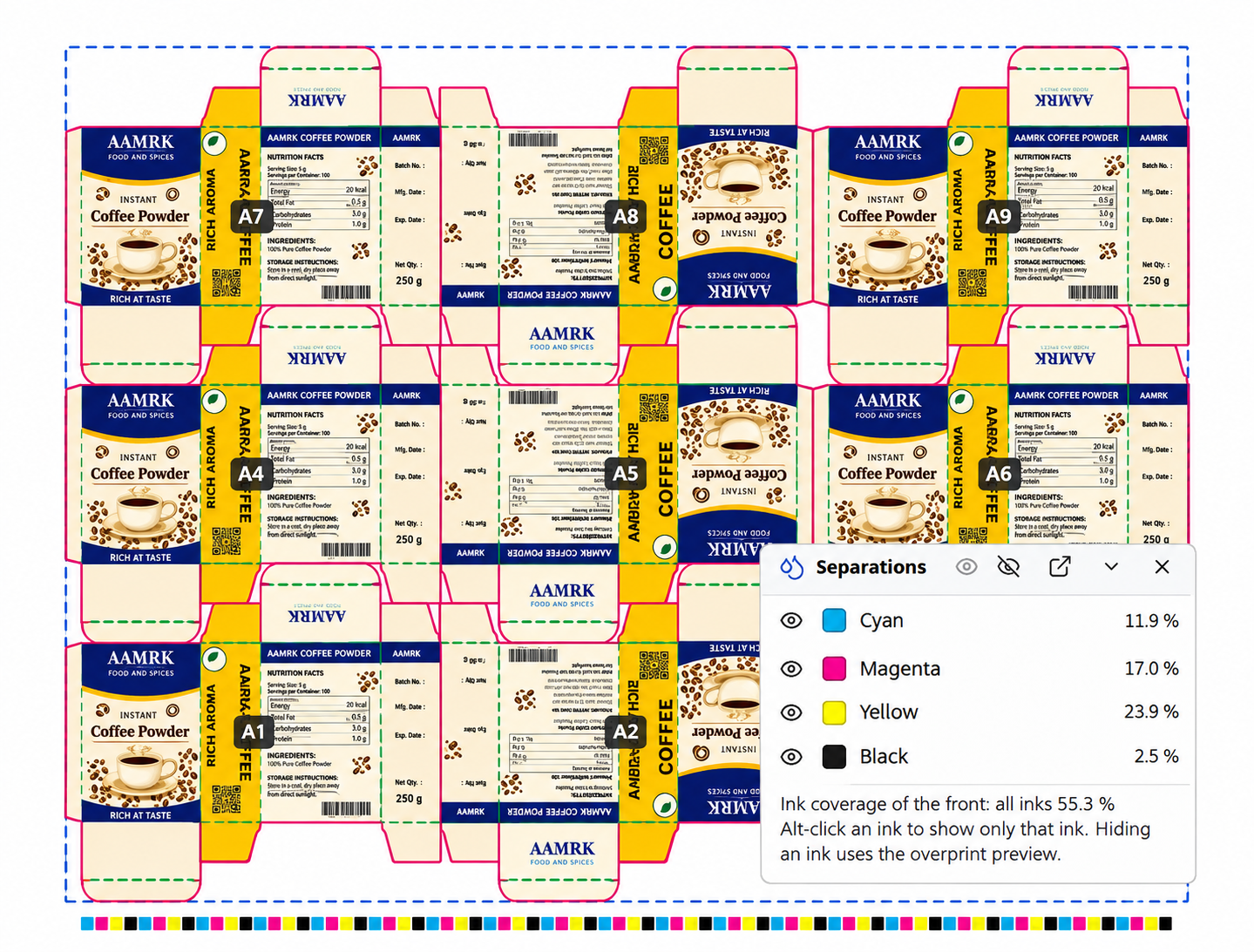
Add Production Marks
Include crop marks, registration marks, colour bars, cutting and creasing ticks, file information, and station IDs.
5
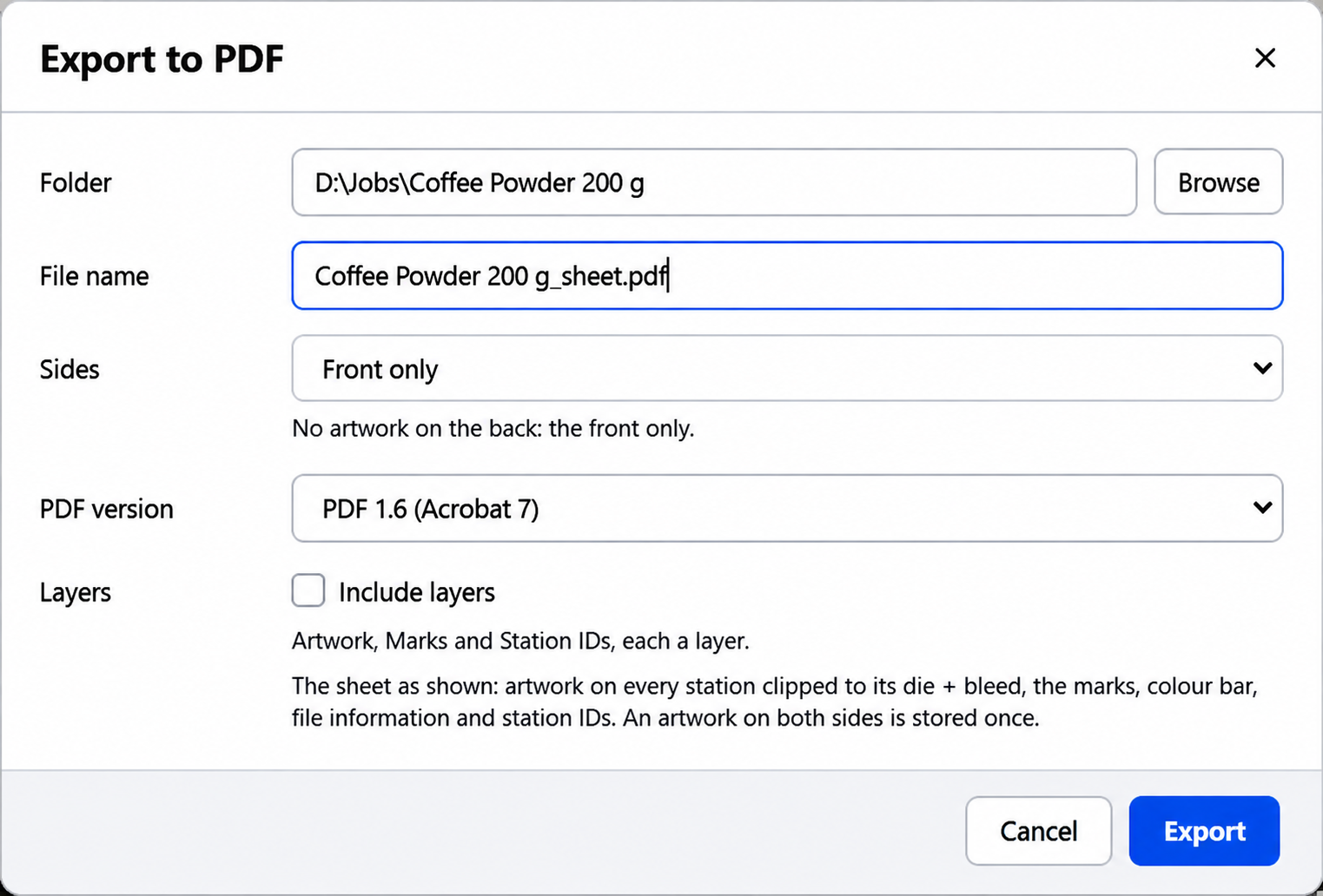
Export Press-Ready PDFs
Generate a complete PDF with front and back pages, verify the output, and save the job for future editing.