AAMRK Solutions

PackSign Software in Philippines

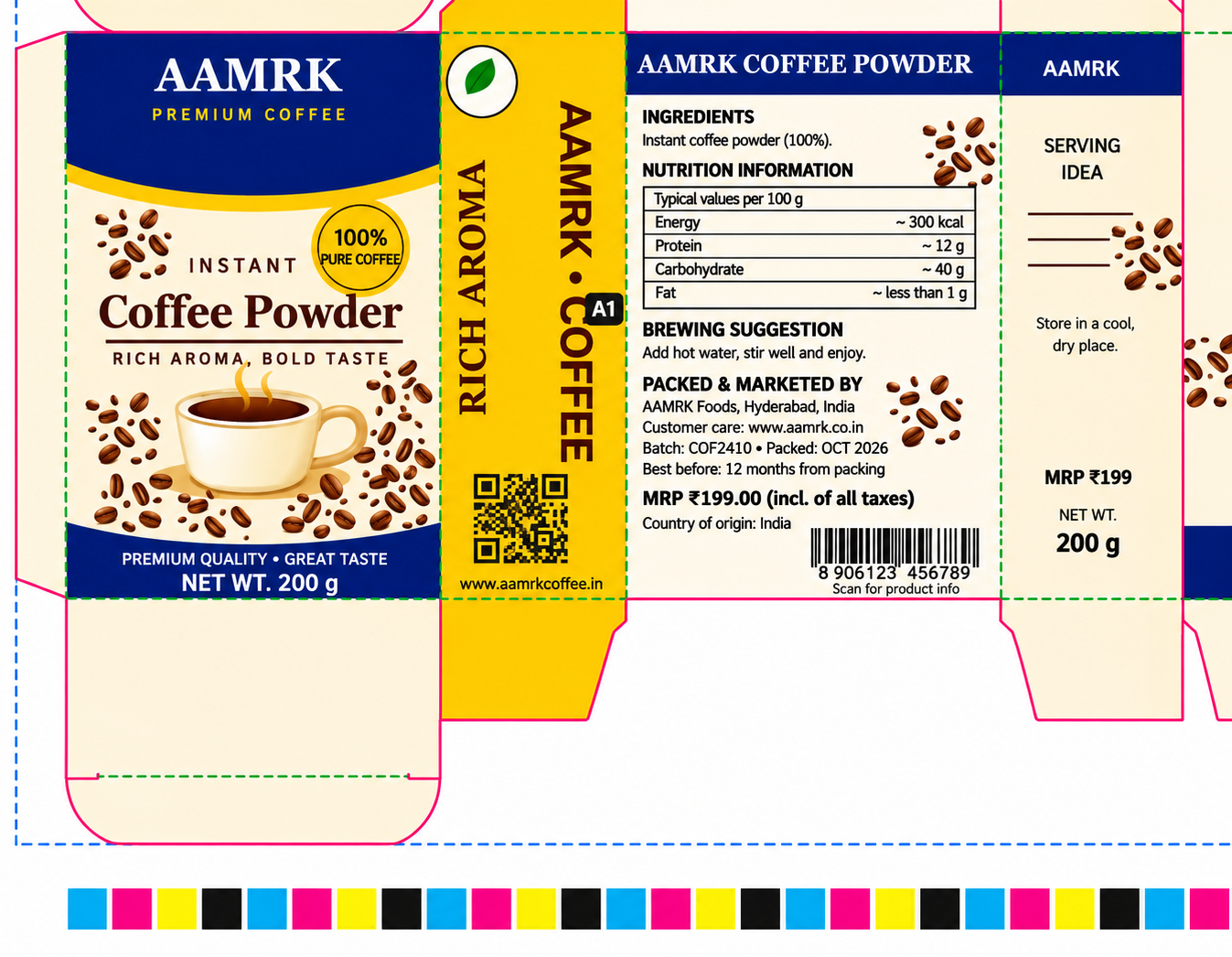
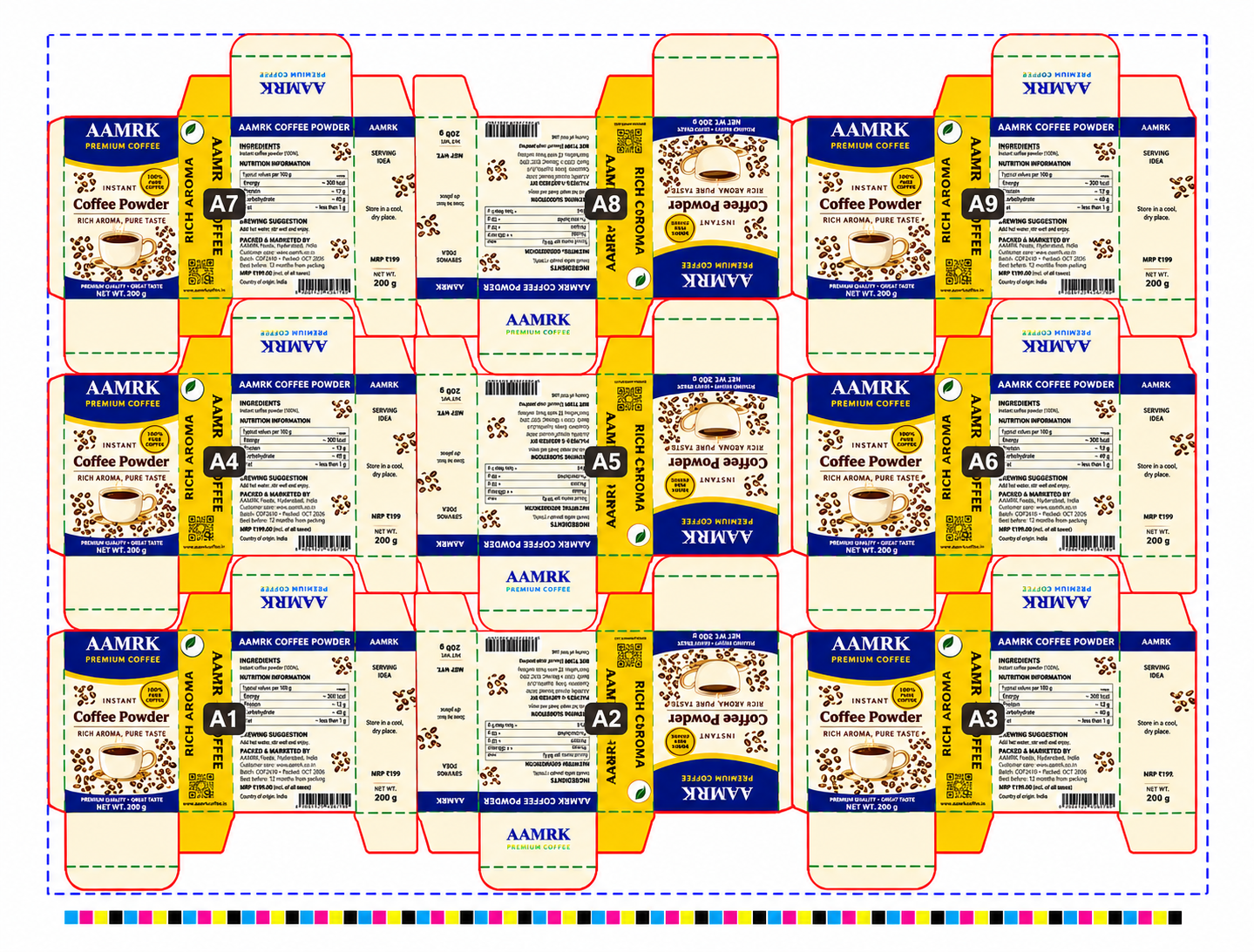
Advanced PackSign Software in Philippines for folding carton production. Automatically place packaging artwork across every station of a die layout and generate complete press-ready PDFs with marks, colour bars, file information, and station IDs.

Die Layouts

Import CF2, CFF2, and DXF files with cutting, creasing, and perforation lines.

Artwork Support

Work with PDF, Adobe Illustrator, and CorelDRAW files for front and back artwork.

PDF Export

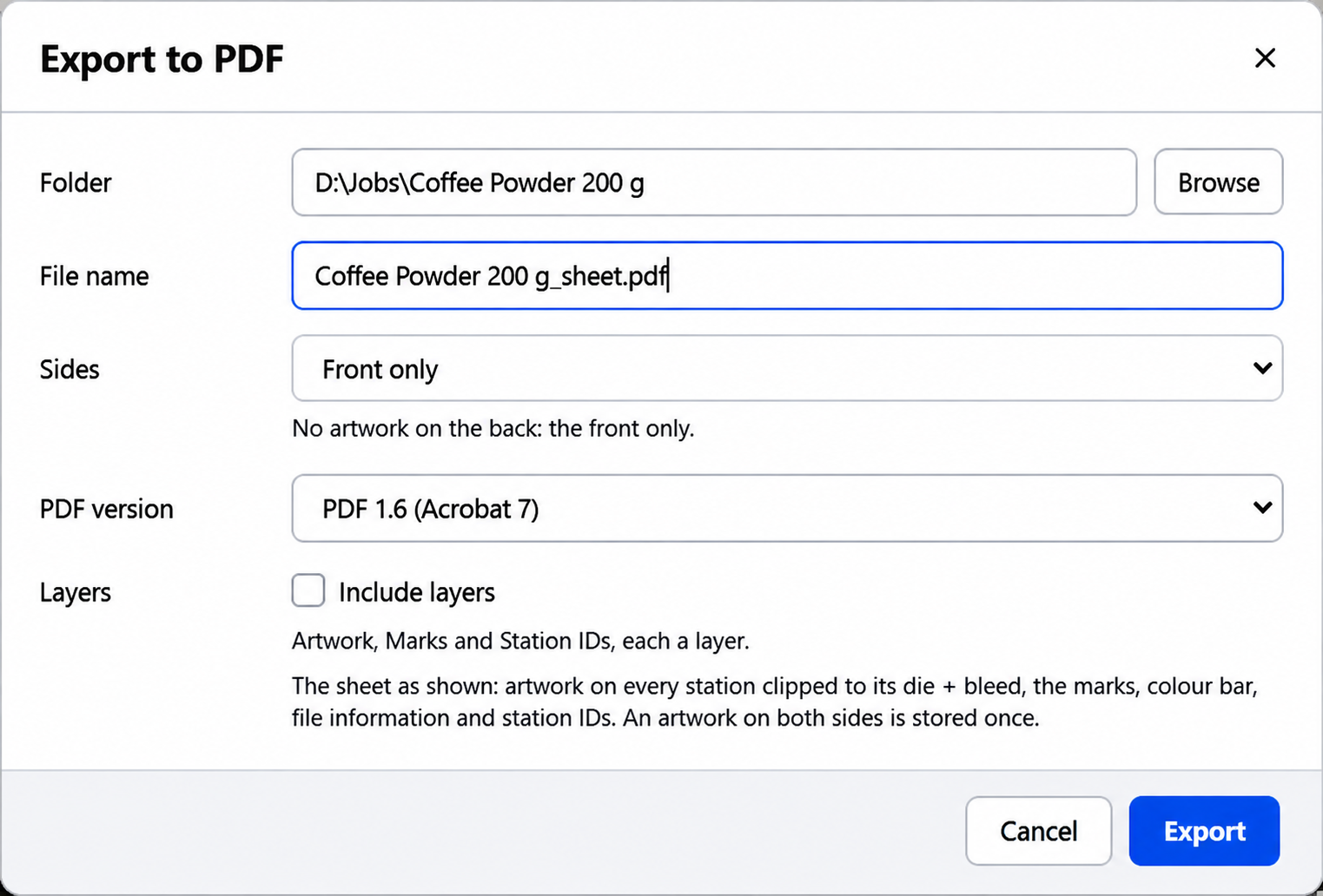
Generate professional PDFs with embedded fonts, correct page settings, and optional layers.


    5 Easy Steps to Turn Die Layouts into Press Sheets

    Use PackSign Packaging Software in Philippines to transform CAD layouts and packaging artwork into complete production sheets with automated placement, rotation, and marking.

    on every station

    1

    Import Die Layouts

    Open CF2, CFF2, or DXF layouts and automatically identify stations, rotations, cutting lines, and creasing lines.

    2

    Configure Plate Settings

    Set plate dimensions, adjust gripper settings, and position the layout using centre alignment or left-edge placement.

    3

    Place Packaging Artwork

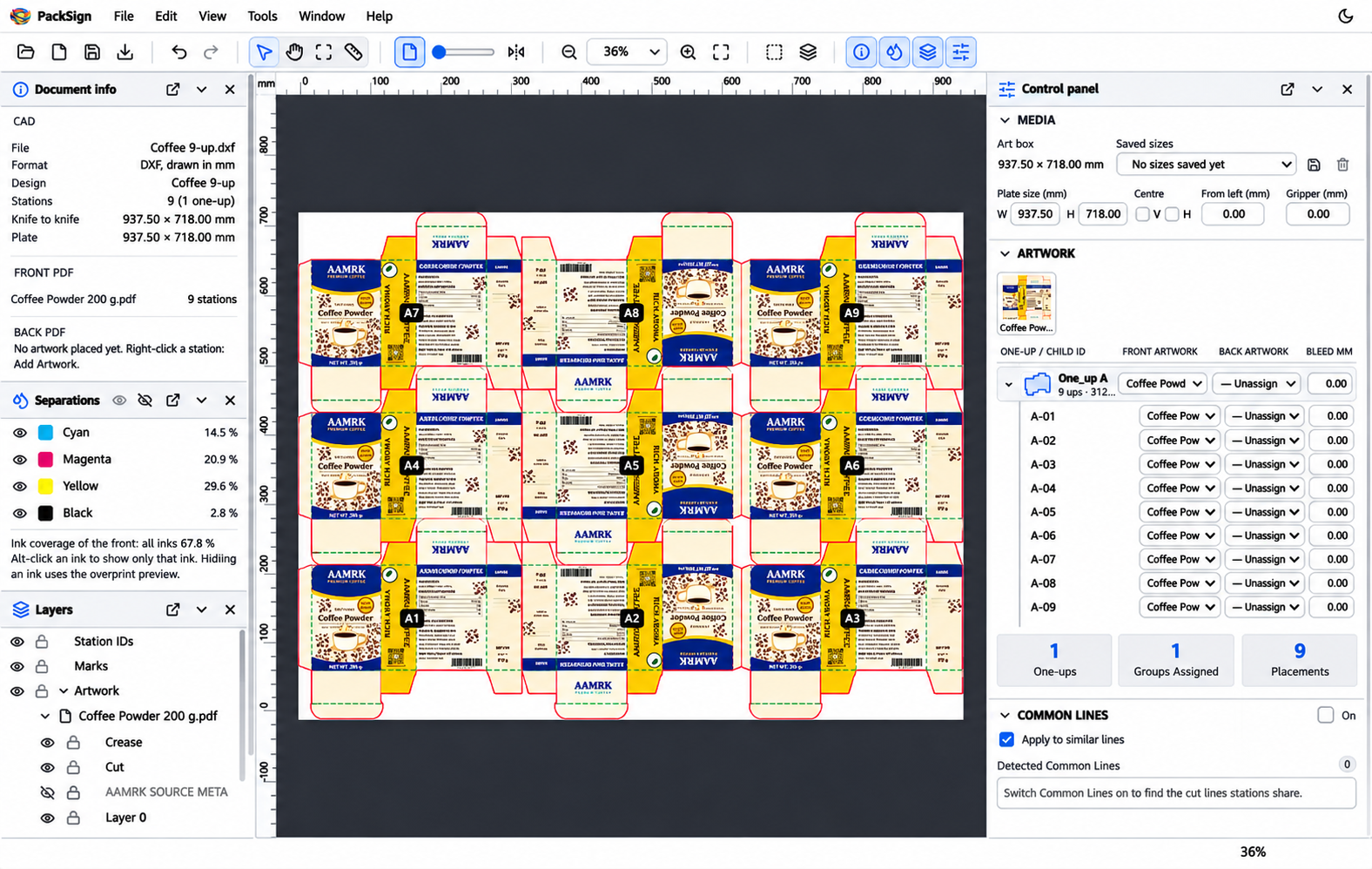
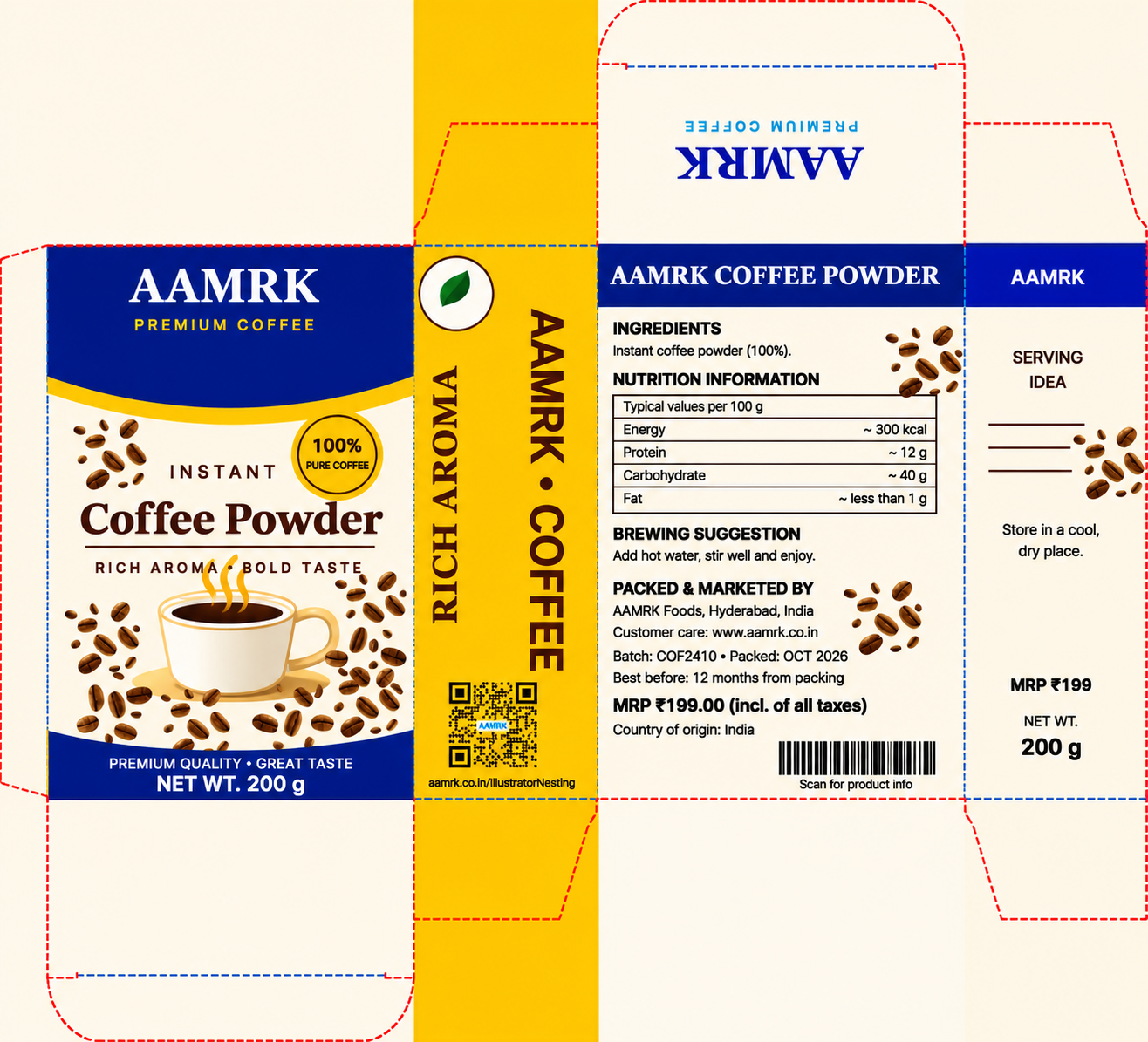
    Import PDF, AI, or CDR artwork once and automatically apply it across every station of the selected design.

    4

    Add Production Marks

    Include crop marks, registration marks, colour bars, cutting and creasing ticks, file information, and station IDs.

    5

    Export Press-Ready PDFs

    Generate a complete PDF with front and back pages, verify the output, and save the job for future editing.

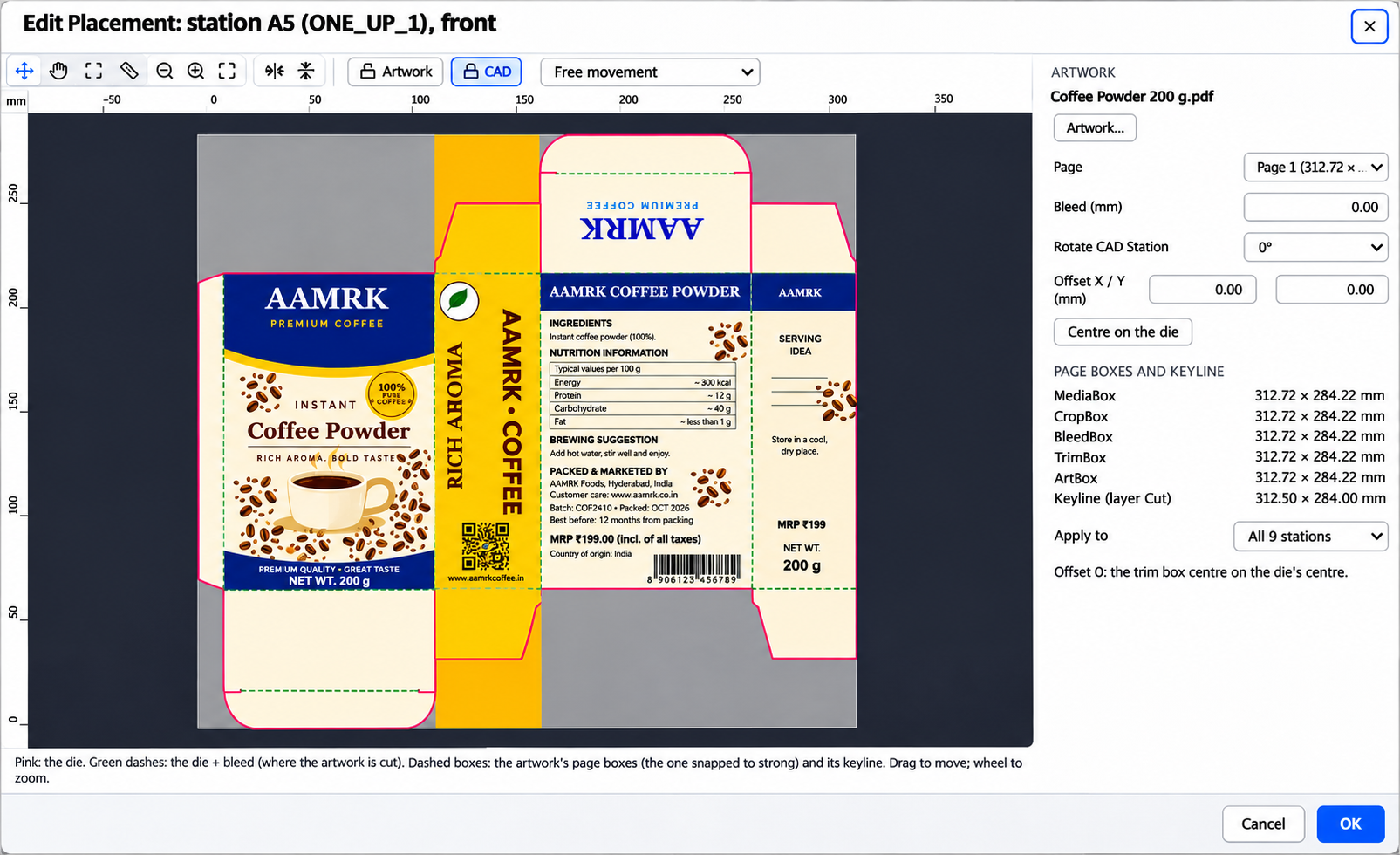
      Precise Artwork Placement and Editing

      Everything You Need for a Perfect Press Sheet

      Custom Colour Bars

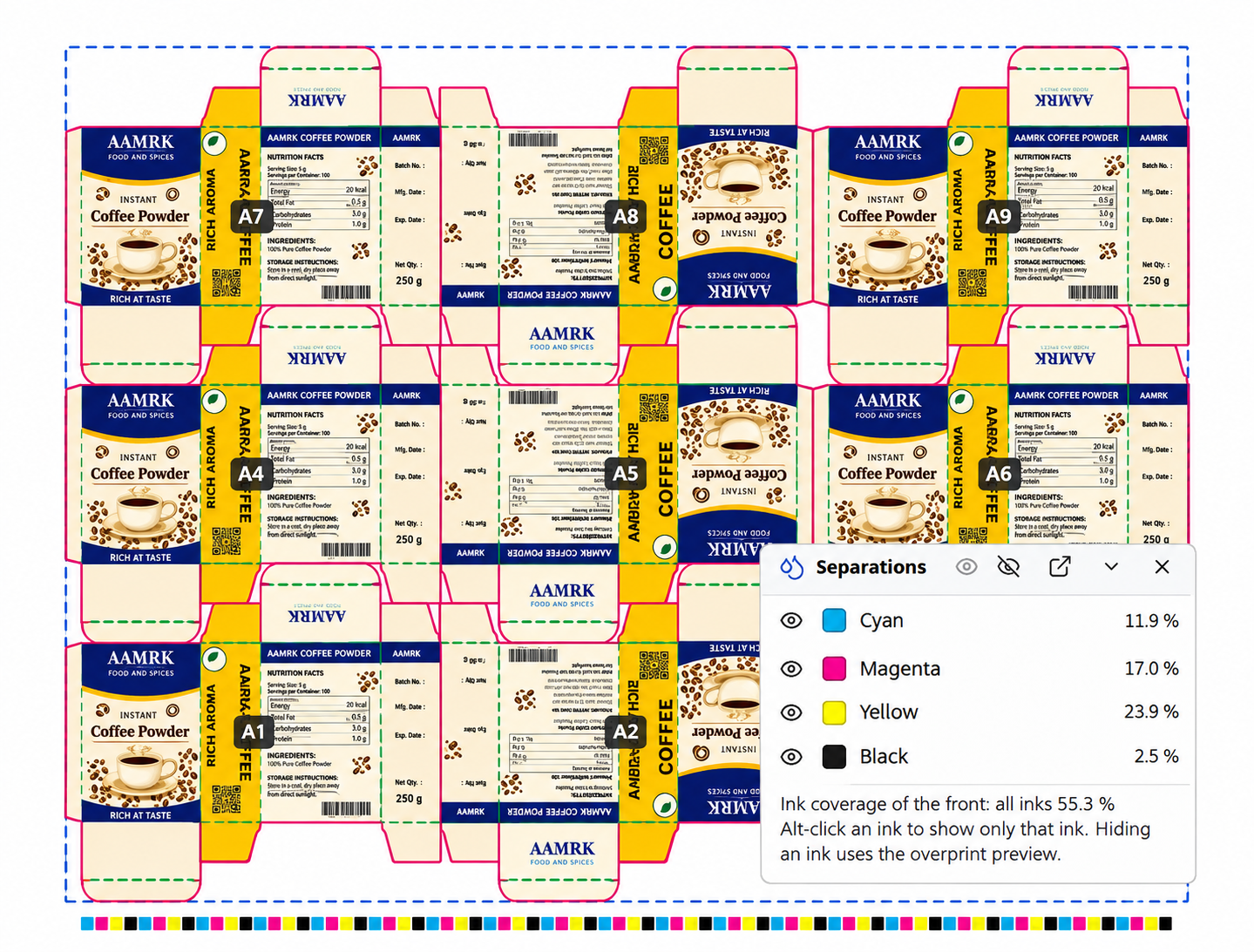
      Generate colour bars using the artwork’s actual process and spot inks. Customize patch shapes, sizes, tint levels, and positioning.

      Ink Separations and Coverage

      Preview individual ink separations, control ink visibility, check overprinting, and monitor ink coverage during production.

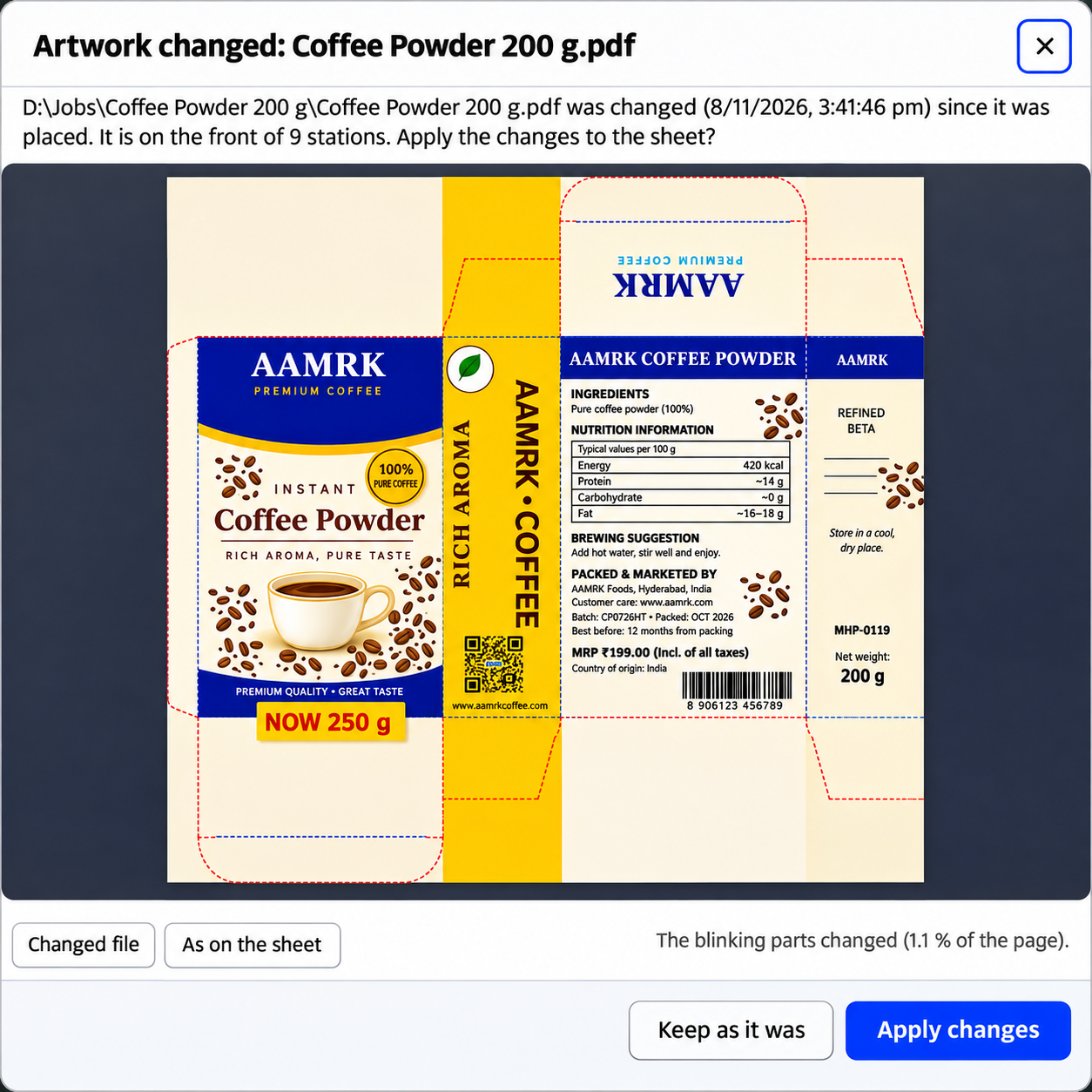
      Linked Artwork Updates

      Identify modified artwork files and view where they are used. Update the press sheet or retain the previously placed artwork version.

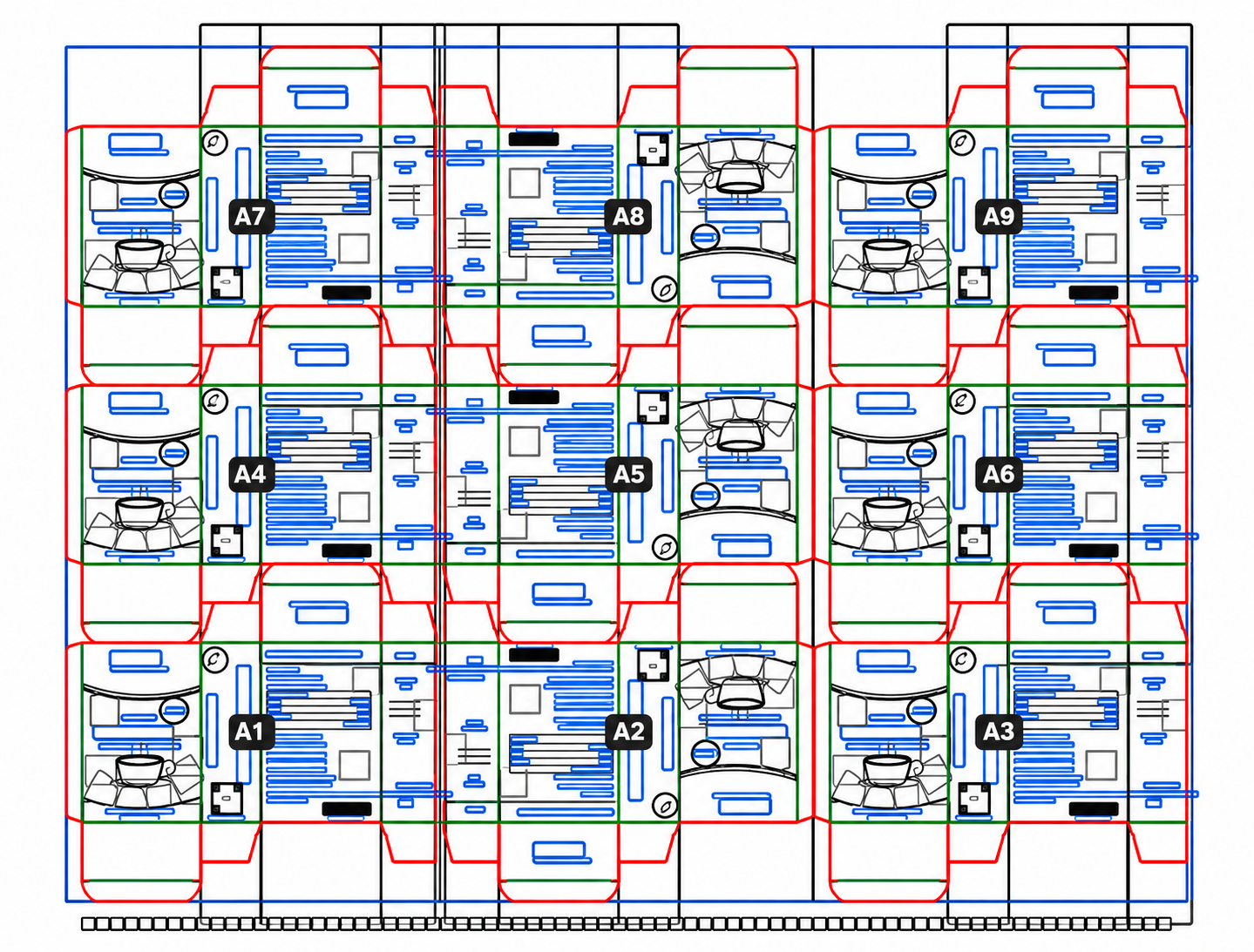
      Outline view

      Inspect designs in outline mode to identify overlapping objects, unwanted paths, and elements outside the die layout.

      Automatic Station Identification

      Use CAD station labels or custom prefixes and running numbers to identify every station clearly.

      Common Cutting Lines

      Manage shared cutting lines between neighbouring stations and apply consistent bleed adjustments across similar lines.

      Reusable Marks Templates

      Save colour bars, production marks, file information, and station IDs as templates for future jobs.

      Flexible Layer Management

      Hide or lock artwork, production marks, and station IDs. Hidden layers remain excluded from exported files.


        Reliable PDF Output for Production

        Portable Job Files

        Save layouts, plate settings, artwork placements, and project information in a single .pack job file. Reopen projects on another computer with PackSign.

        Designed for Daily Operations

        Use undo and redo controls, light and dark themes, dockable panels, customizable keyboard shortcuts, and an integrated user guide.

        Technical Specifications

        Die Layout Formats

        CF2, CFF2, and DXF (AutoCAD R9–2018), including cutting, creasing, perforation lines, and CAD station labels.

        Artwork Compatibility

        PDF, Adobe Illustrator (.ai), and CorelDRAW (.cdr), including multi-page documents and front and back artwork.

        Output Formats

        PDF 1.4 to 2.0 with front and back pages and optional layers.

        Measurement Units

        Millimetres, centimetres, inches, points, and picas.

        System Compatibility

        Windows 10 and Windows 11 (64-bit).


          Choose your application